In production
AI training presentation
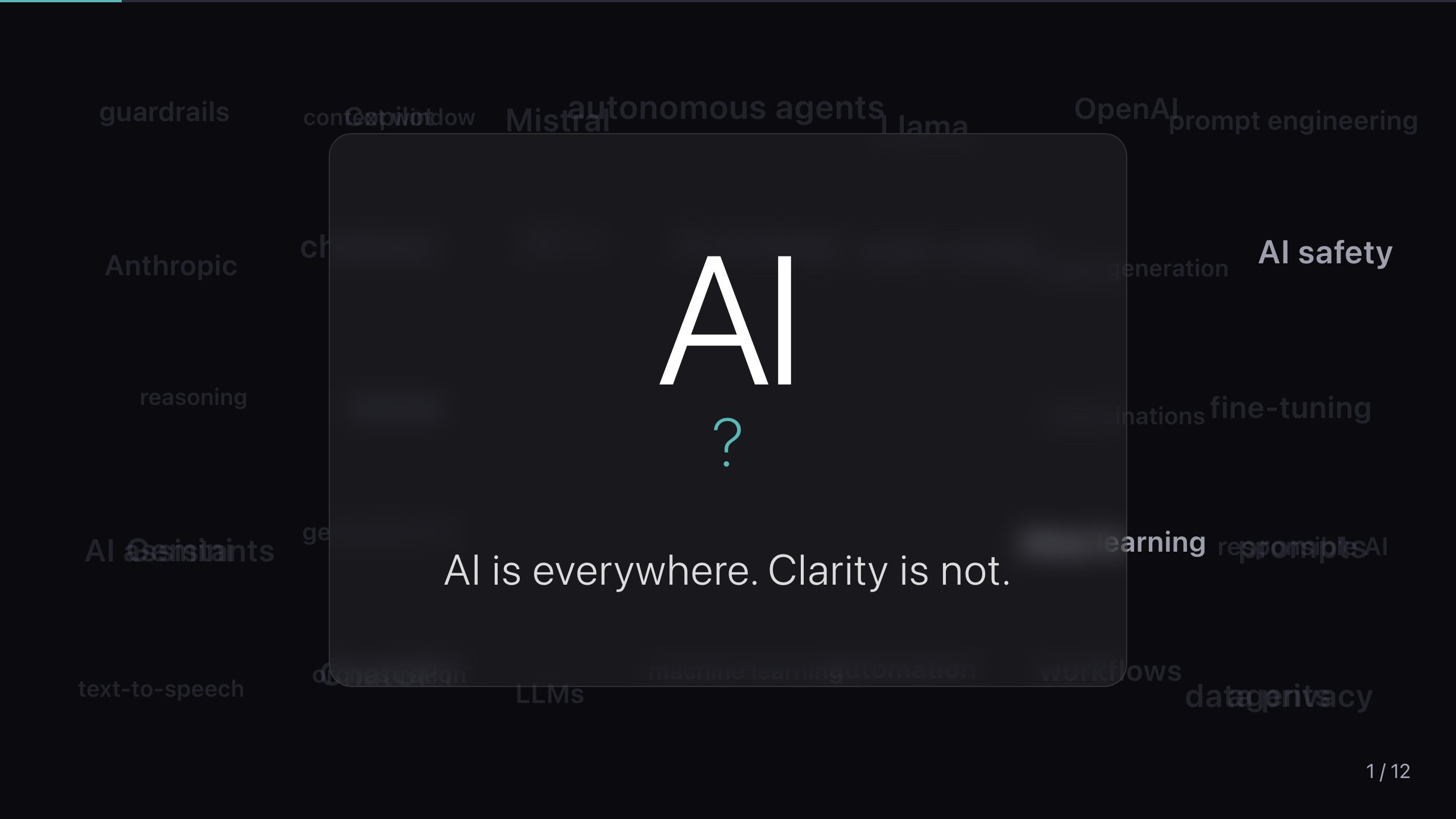
A presentation about AI that proves the point by running real AI live, in the room.
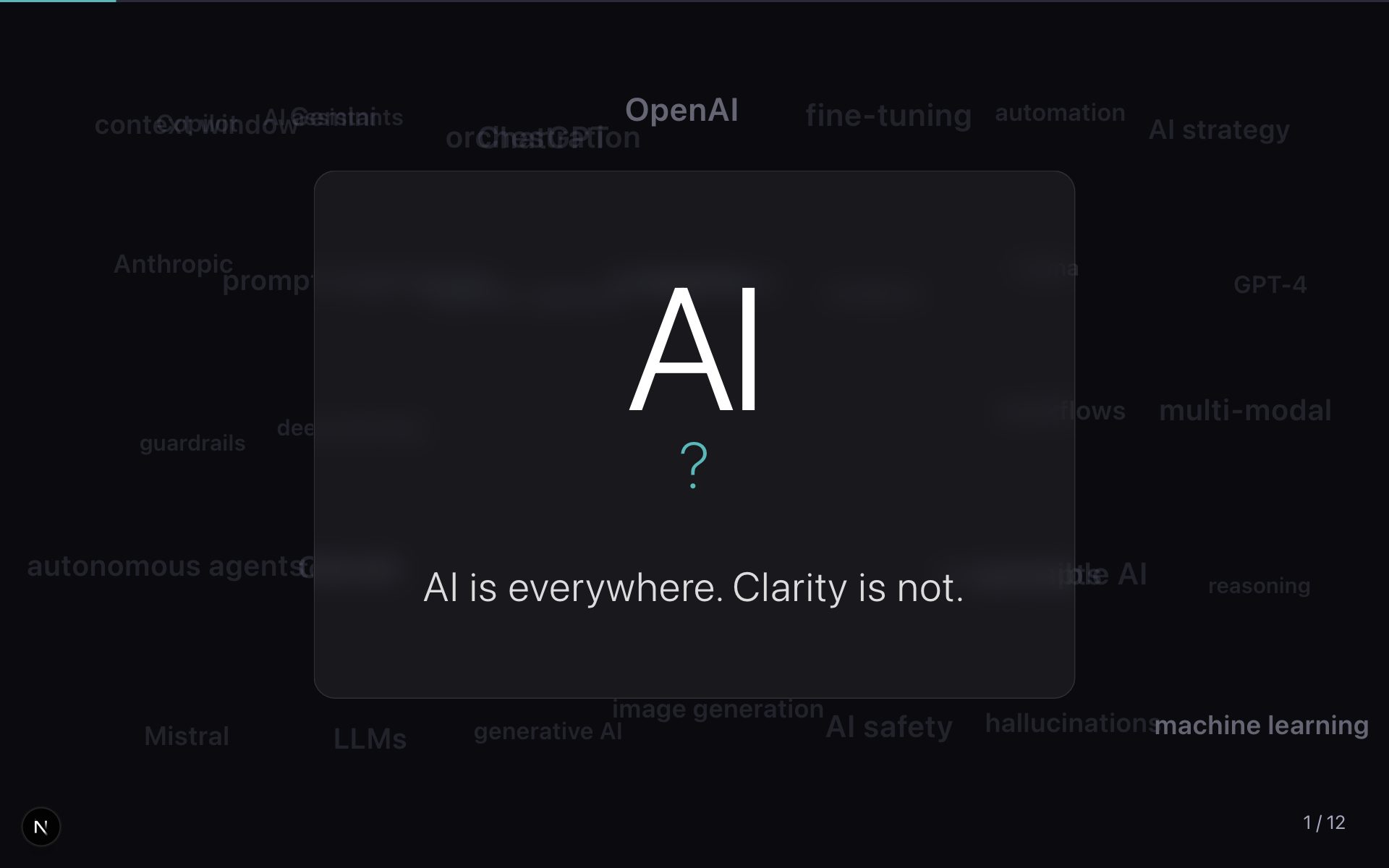
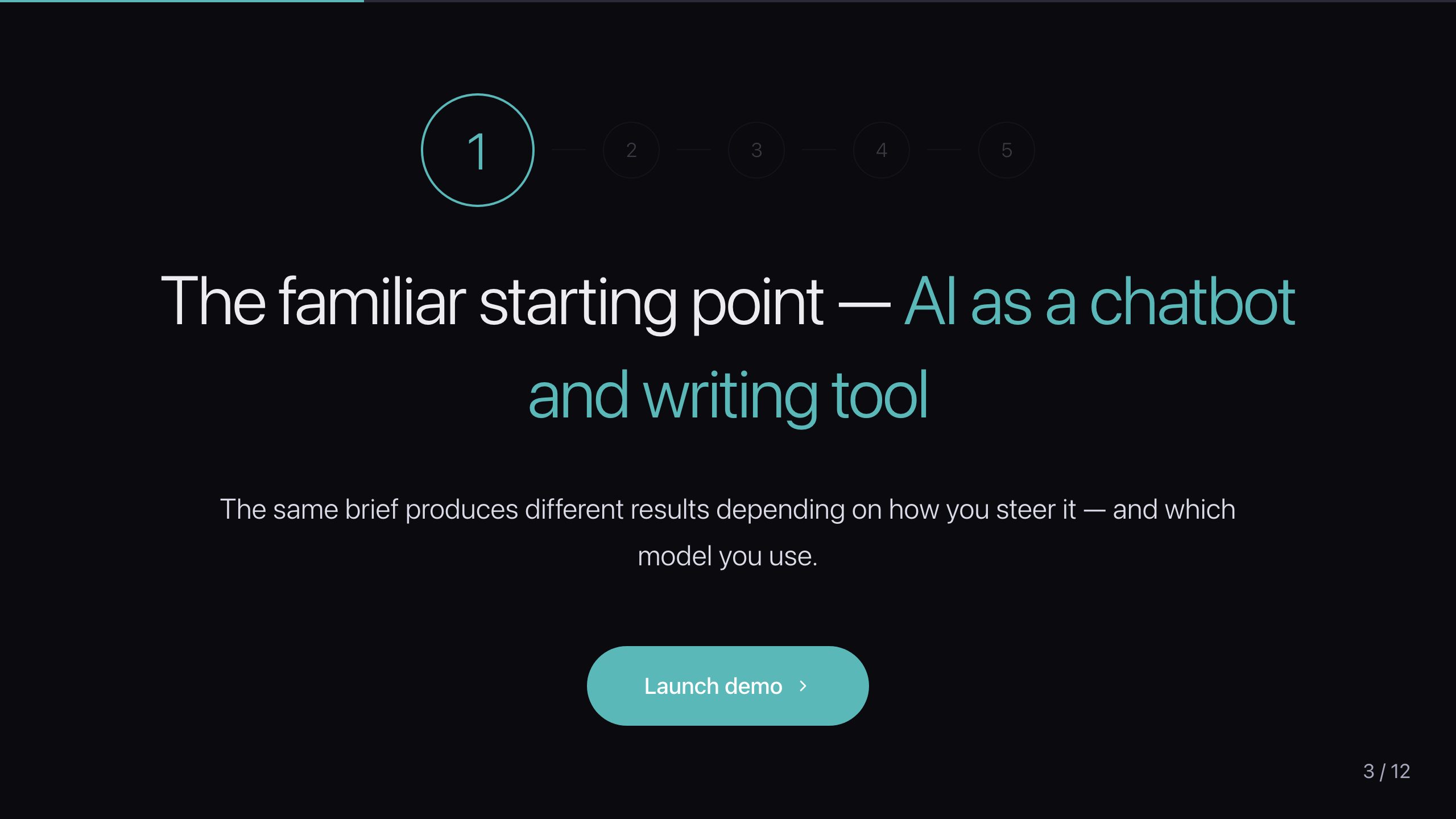
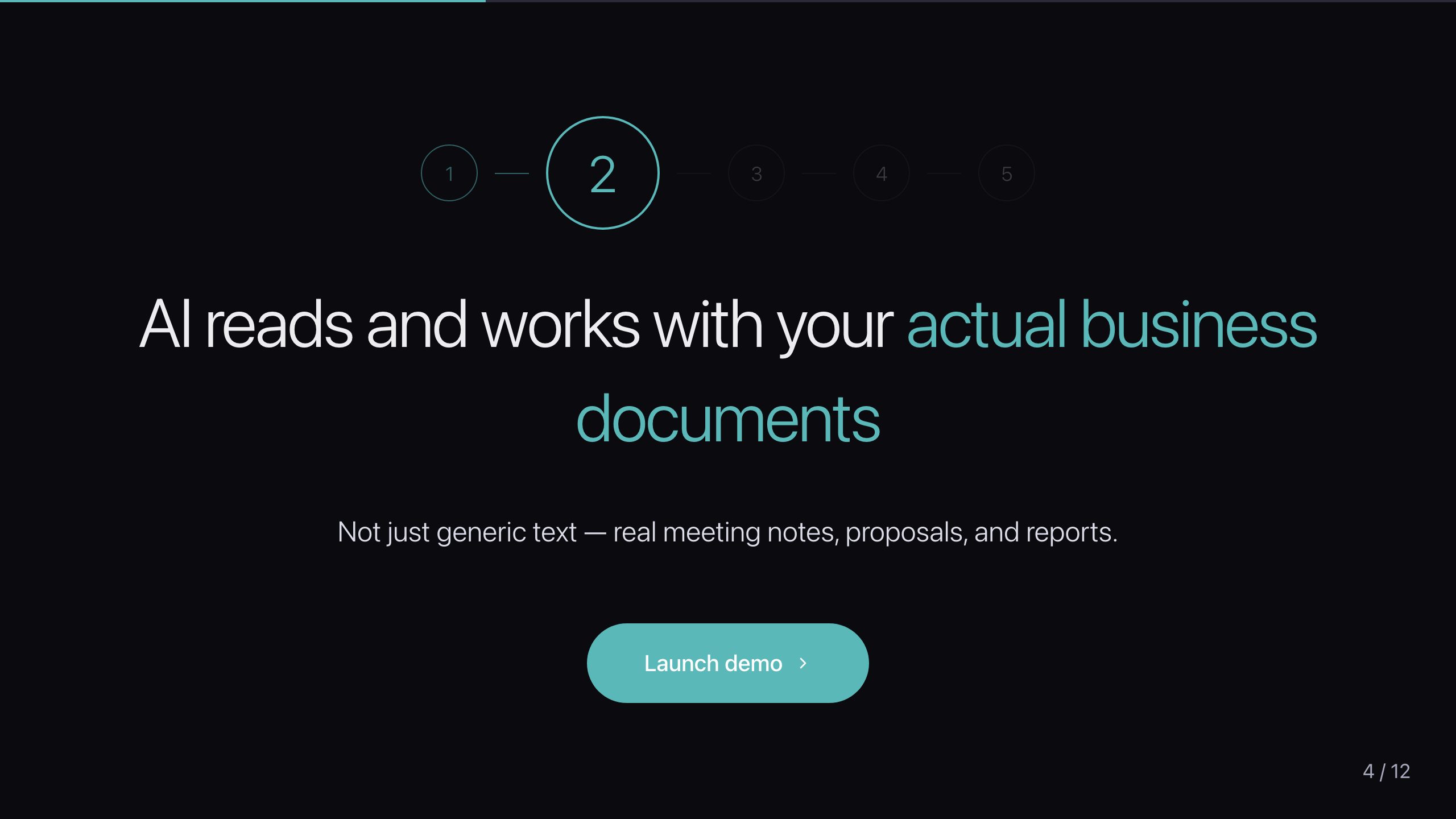
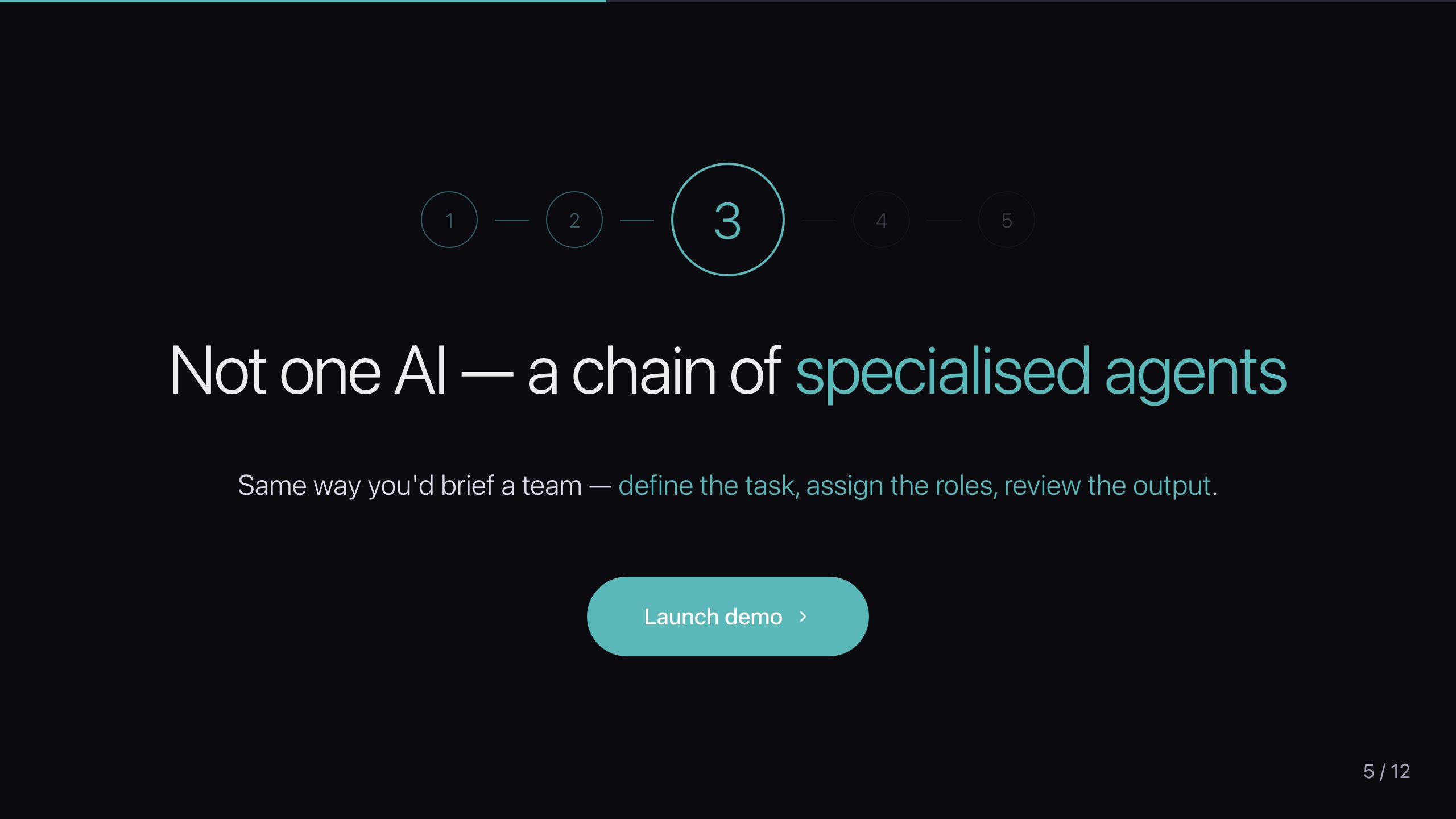
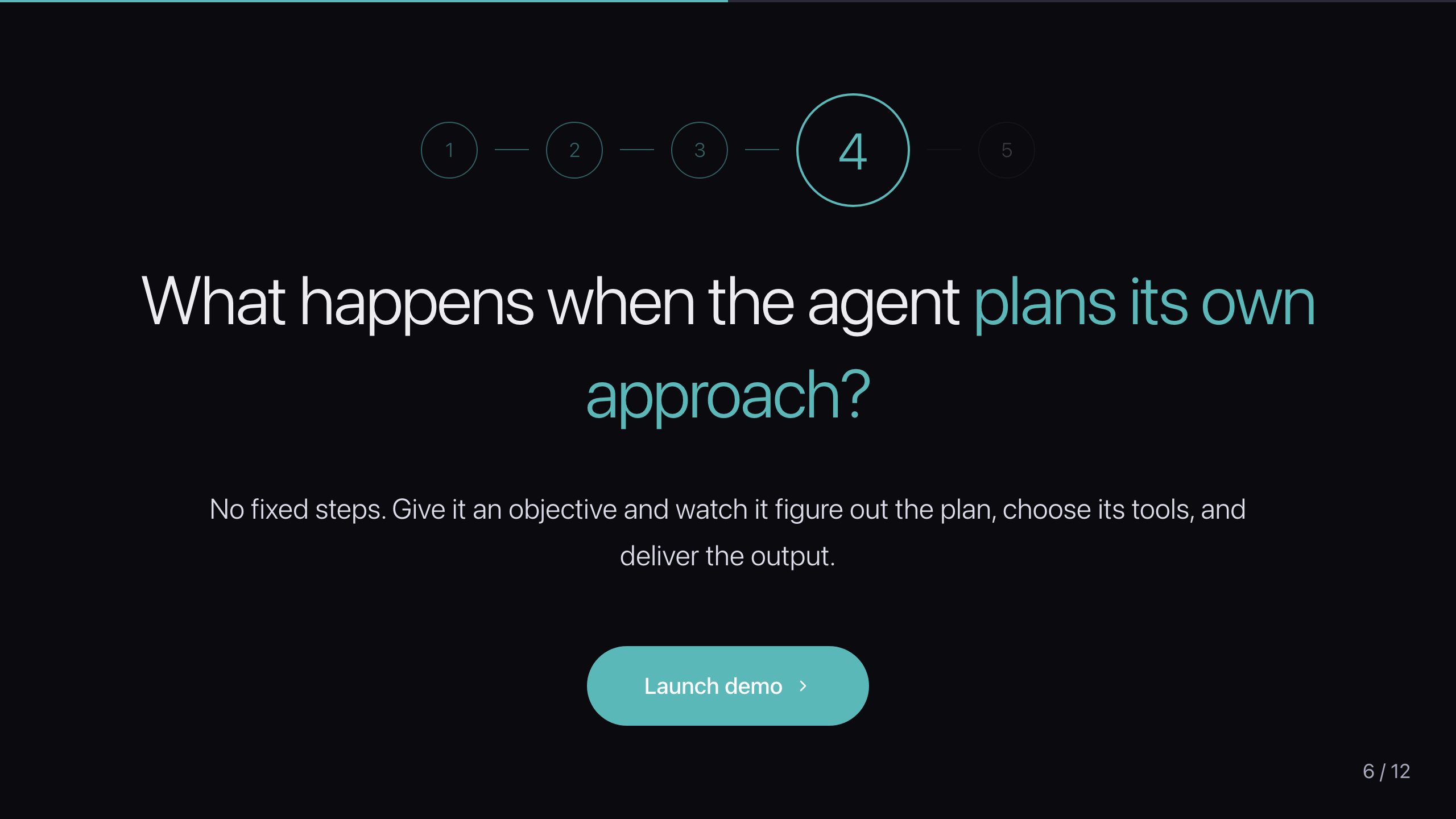
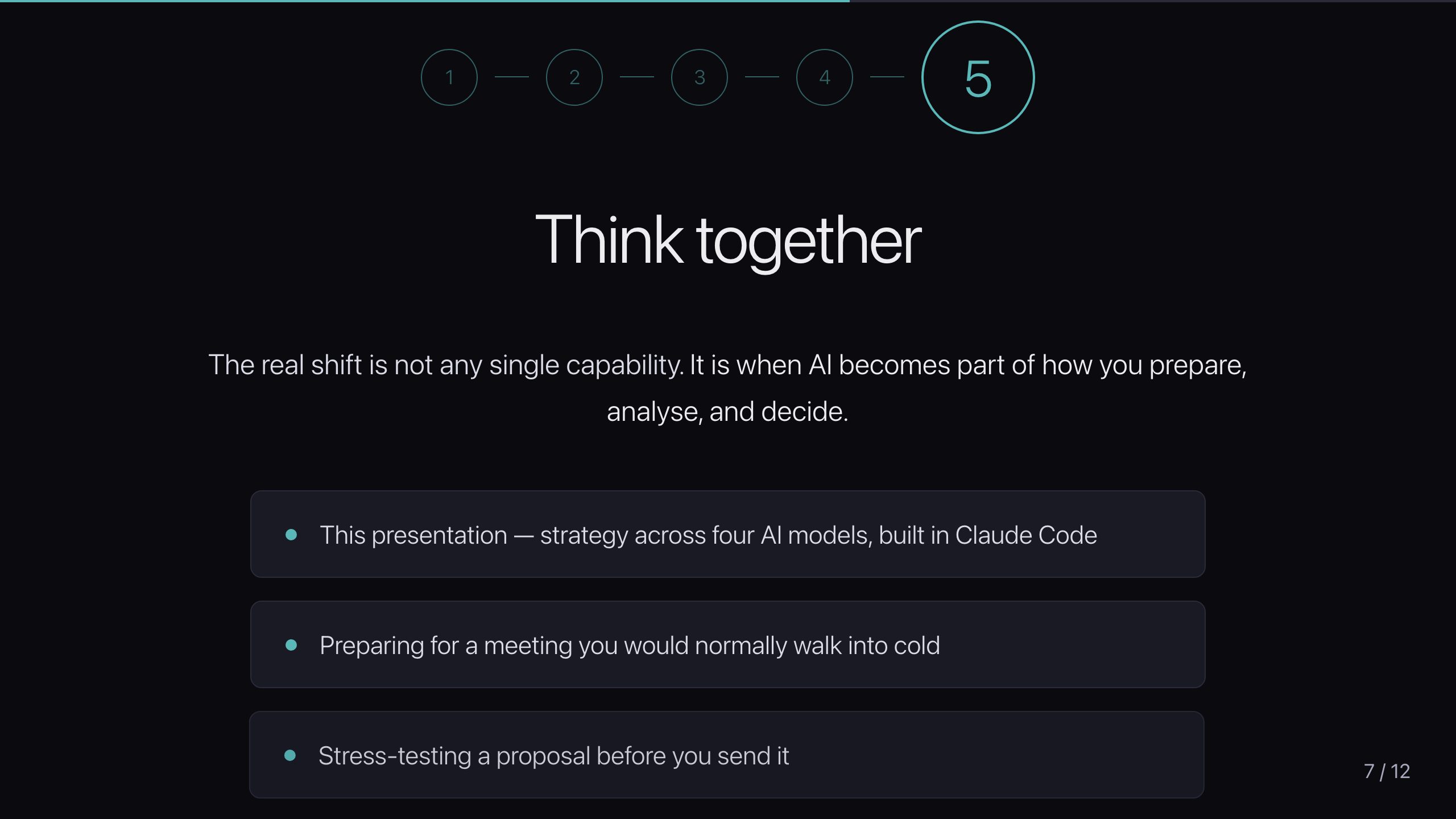
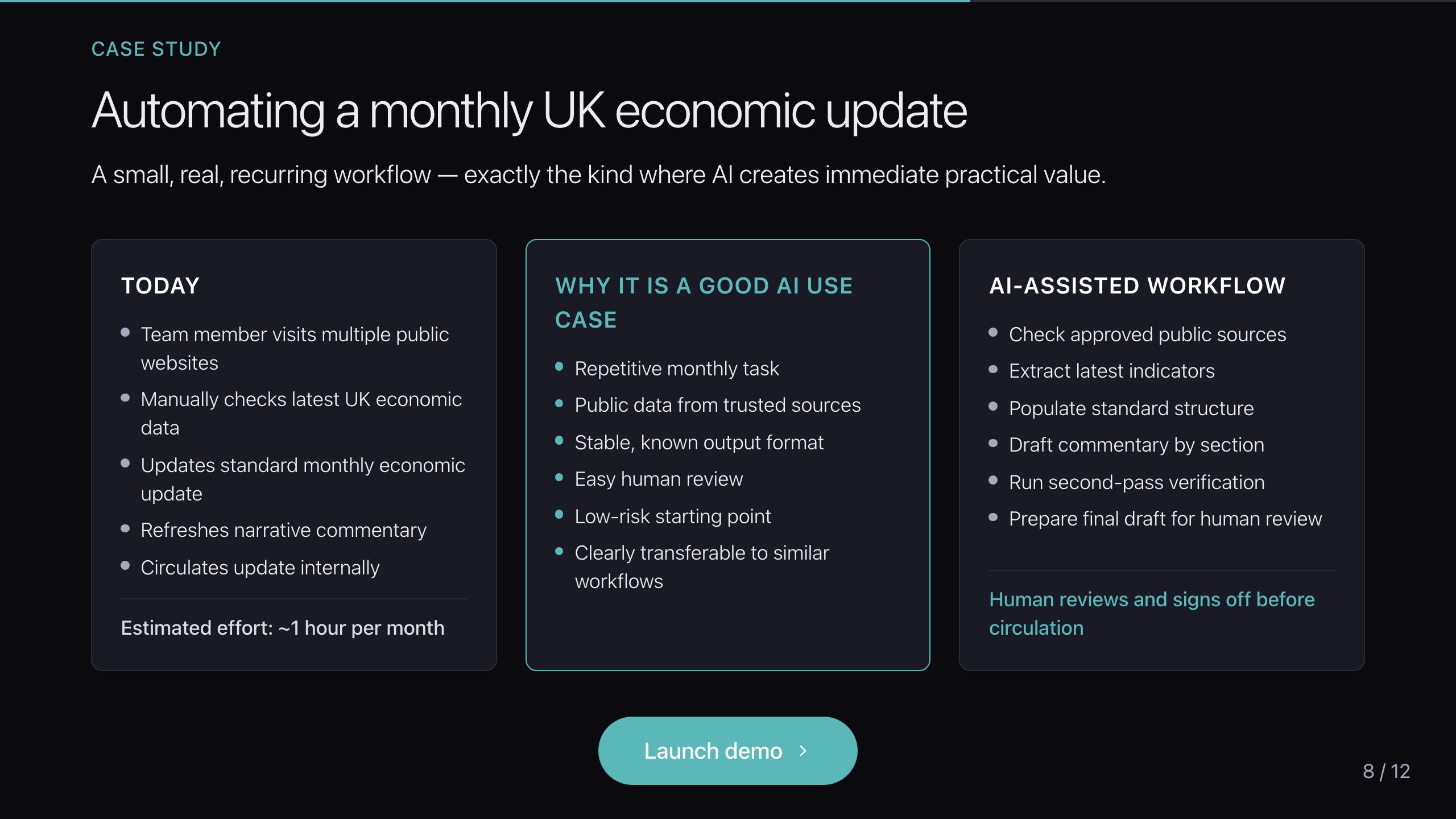
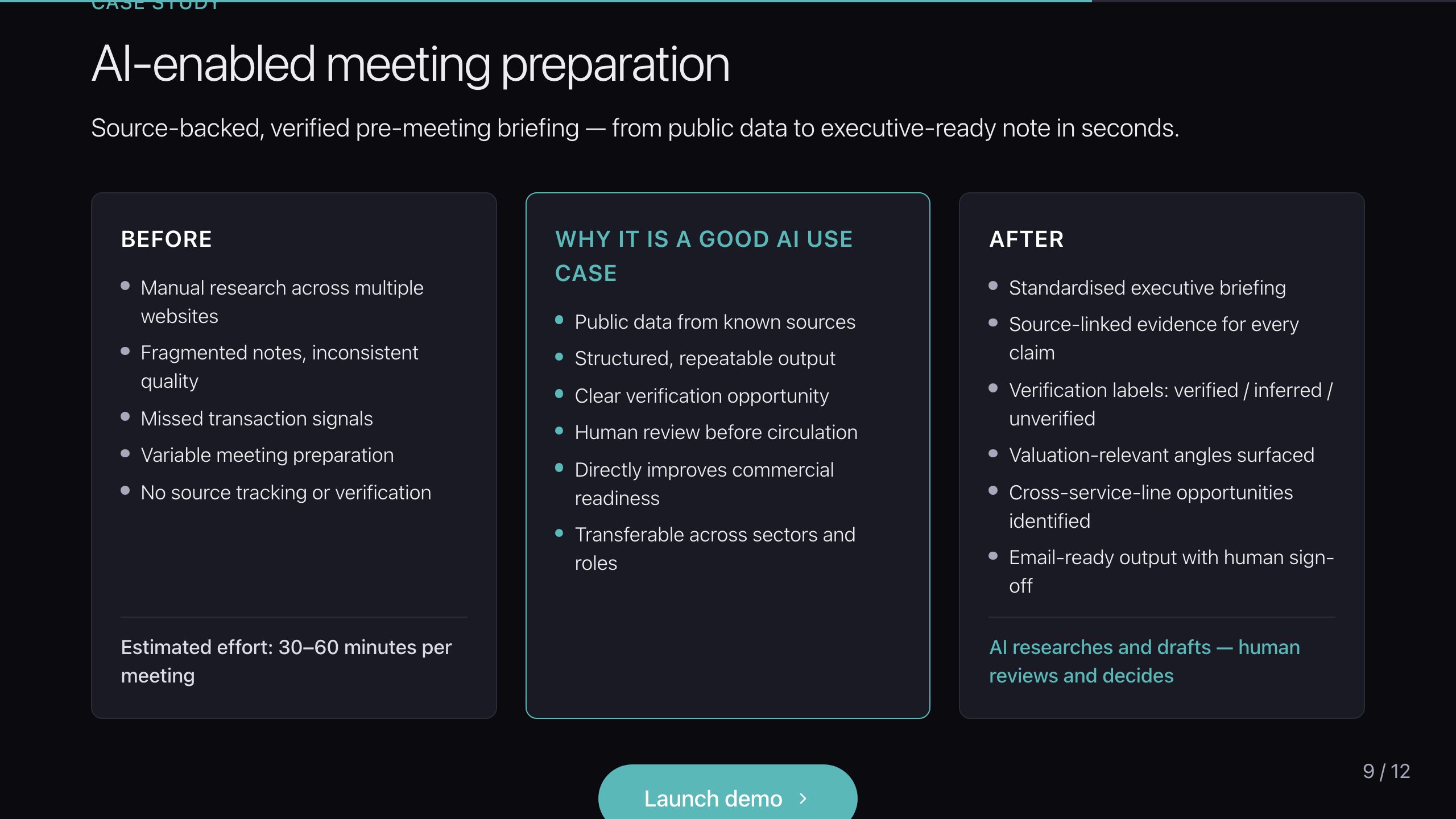
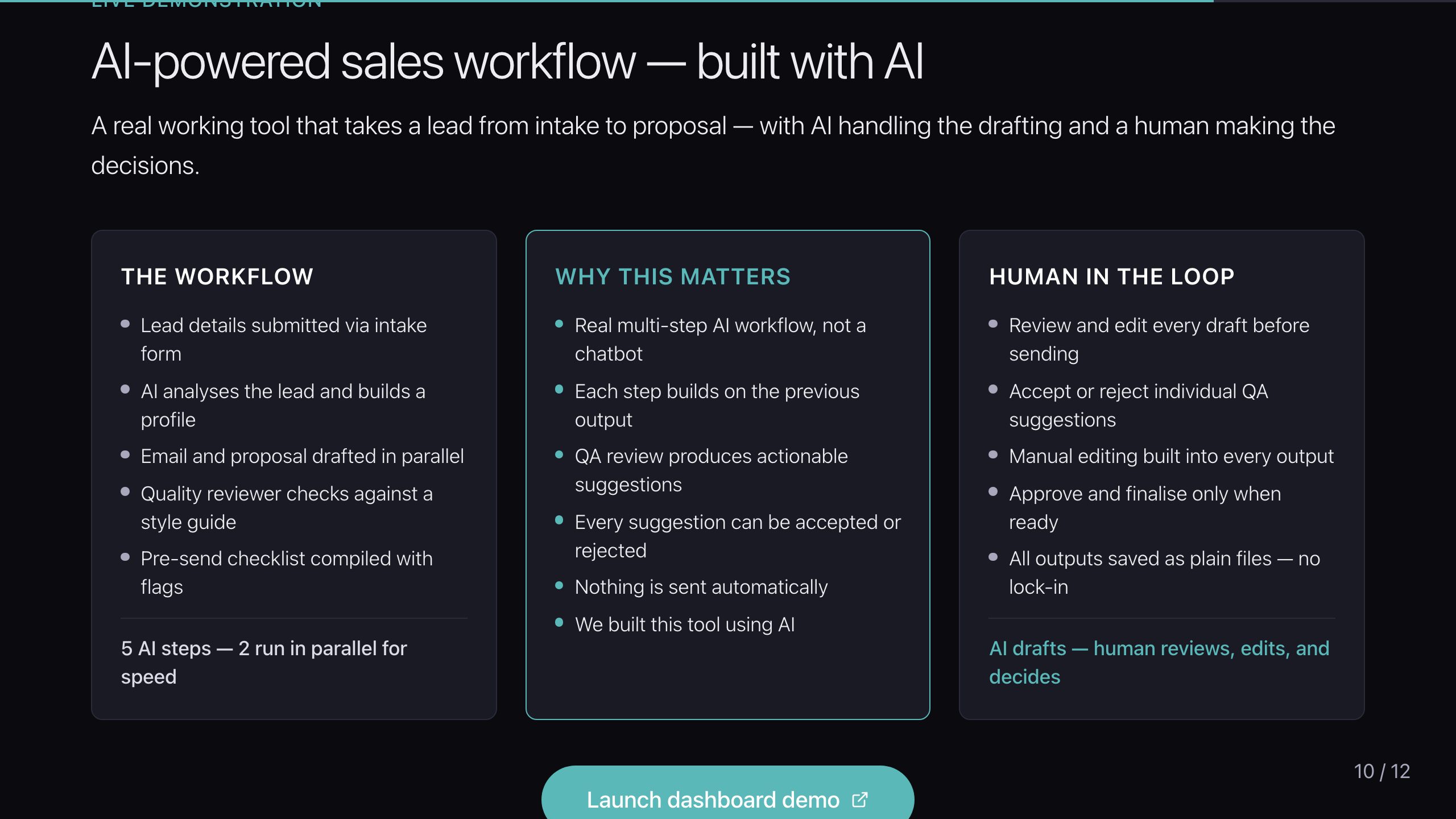
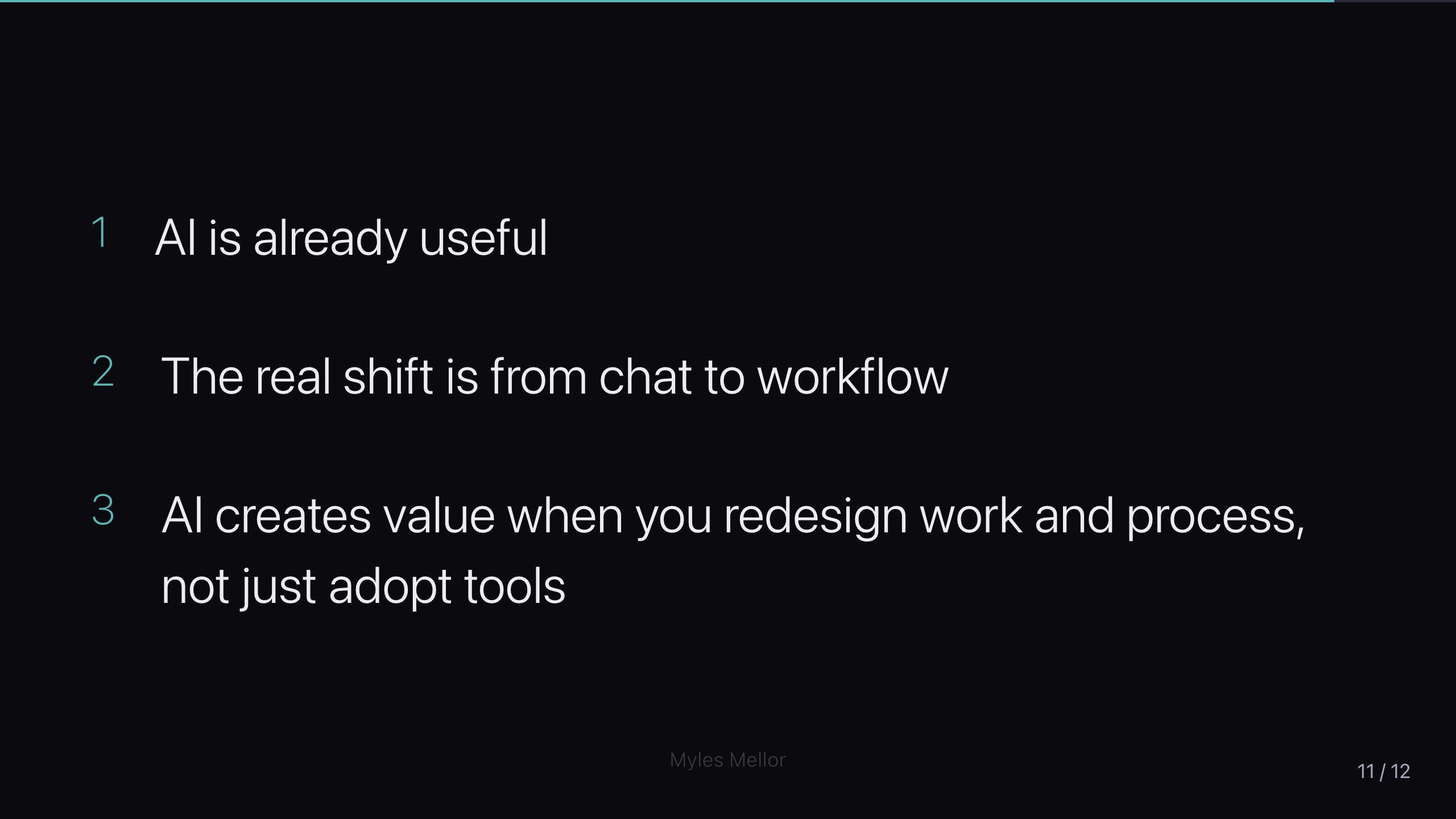
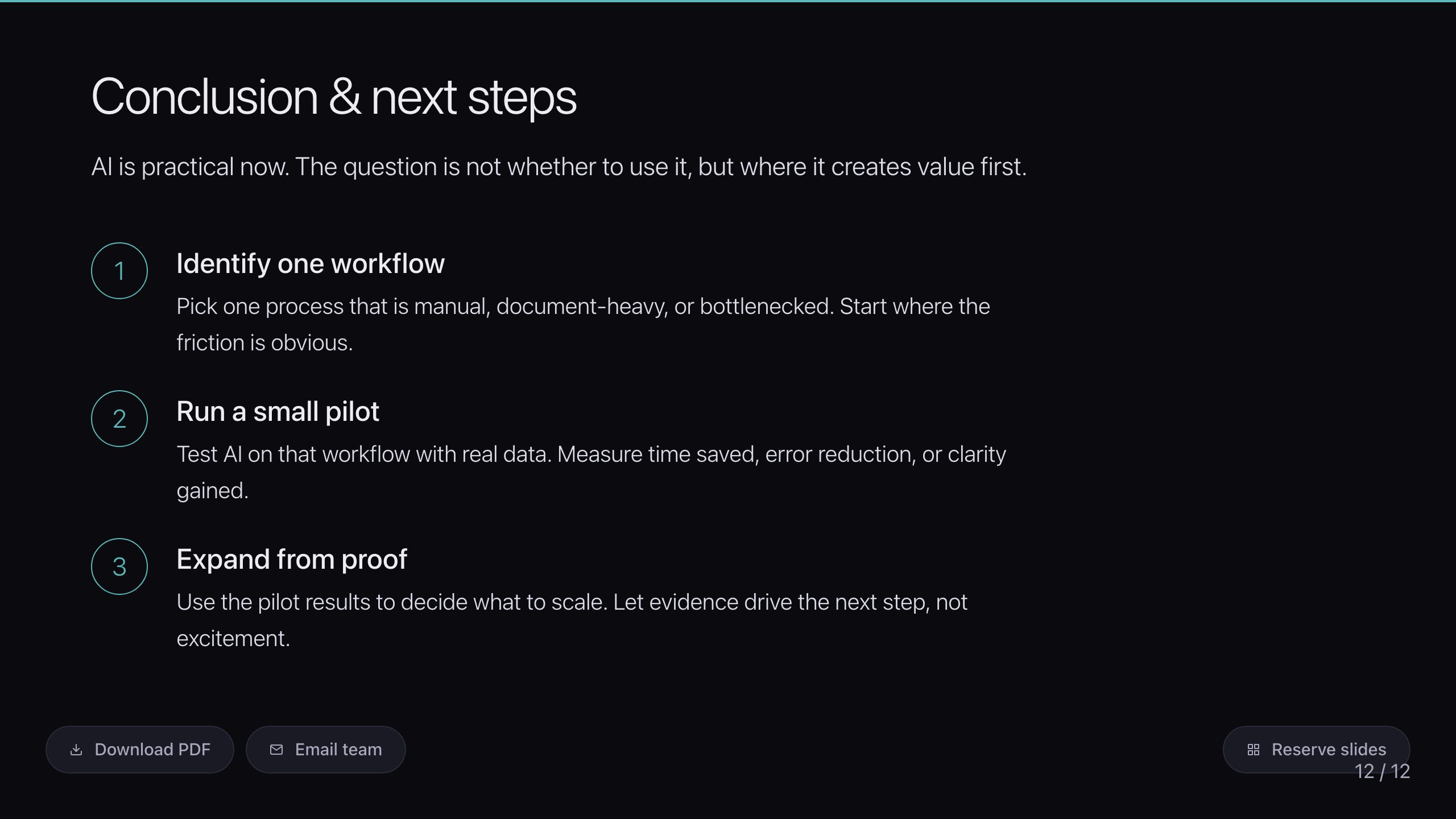
Most presentations about AI are slides describing AI. I wanted one that demonstrated it — a real web app, run from my laptop in the browser, with live working AI demos embedded directly in the slides. You don't tell a non-technical audience what AI can do; you show them, on their own questions, in real time.
What it is
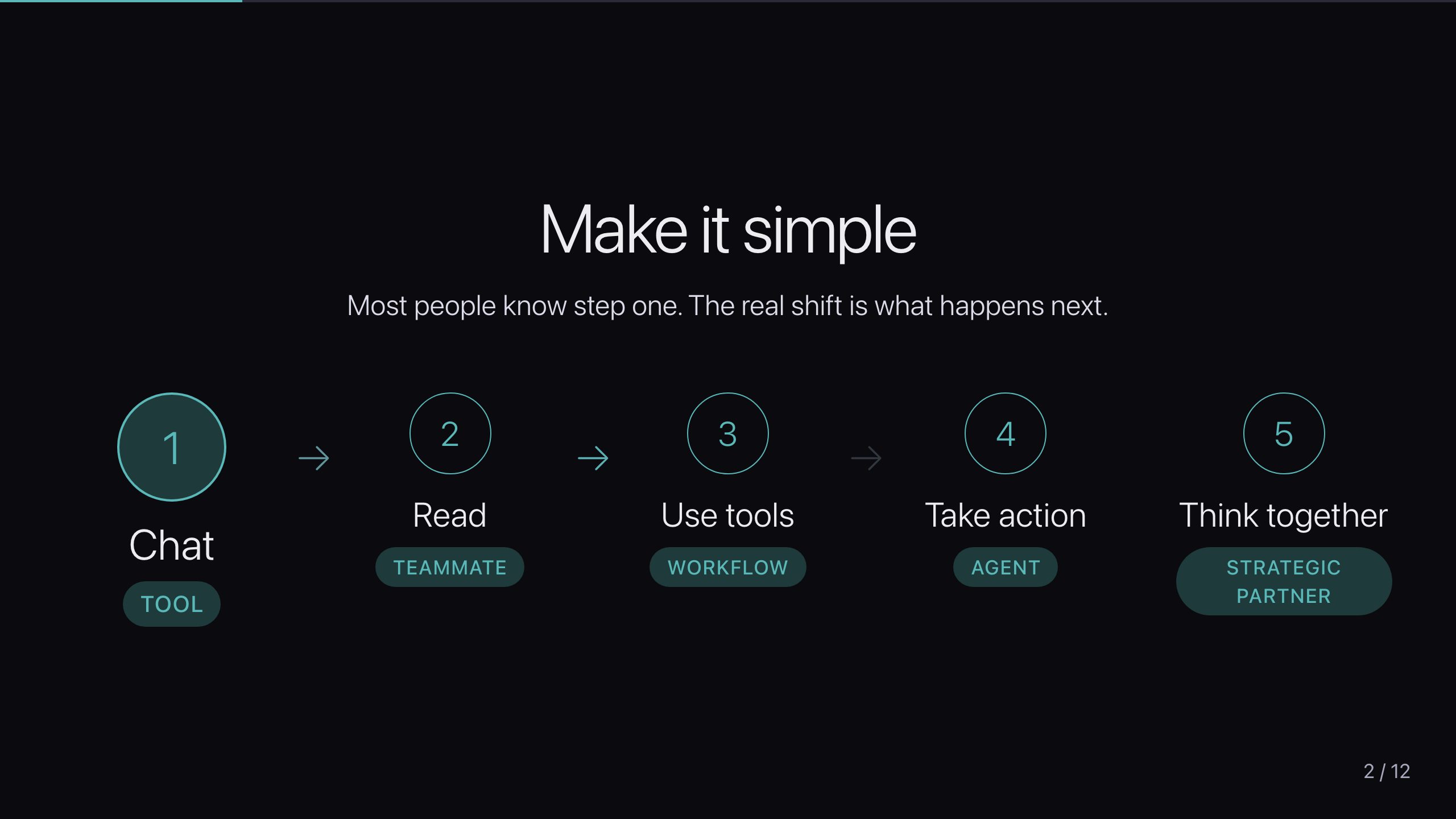
A browser-based interactive presentation built for non-technical business audiences. Alongside the narrative slides sit live demos that call real models — so the "what AI can do" claim is made by the thing doing it, not by a bullet point.
The decision that matters: design for failure in the room
Live demos in front of an audience are a trap. The network drops, an API rate-limits, a model is slow — and the talk dies on stage. So the load-bearing rule isn't a feature; it's a discipline:
Every API-calling demo has static fallback content that activates silently on failure. No error message is ever shown to an audience. Streaming demos replay fallback events with staggered delays, so even the failure case looks like a working demo.
That single rule is the difference between a demo that's impressive when the wifi holds and one you can actually stand up and rely on. It's the same instinct that runs through everything here: assume the live path will fail at the worst moment, and design so the failure is invisible.
Where it is now
In production, and proven in the room. It's been delivered live — multiple times, to senior business audiences — and the silent-fallback discipline has earned its place on more than one of those occasions.